Category: Entertainment

Top 10 Entertainment Lists

  • Top 10 PlayStation 5 Games

    Top 10 PlayStation 5 Games

    Did you buy a PlayStation 5 during the holidays? That’s good news. 10 PlayStation 5 Games are more powerful than PS4 and PS4 Pro, and the DualSense controller’s haptic feedback and dynamically adaptive triggers make gaming more immersive than ever.

    Whether you’re new to PlayStation or upgrading from PS4, there are plenty of PS5 games to get excited about. PlayStation released dozens of new PS5 games in early November, and many more PS5 games are coming next year. PS5 is also compatible with over 99% of the PS4’s library of over 4,000 games.

    You probably can’t wait to try the best games on your new console. To help you get started, here’s our list of the ten best PS5 games of 2023.

    1. Demon’s Souls

    Despite competing with many original titles, this update of the 2009 cult classic takes the top spot on our PS5 games list. PlayStation Studios and BluePoint Games rebuilt this game from the ground up, introducing a new generation of players to the horrors of this brutal fantasy land.

    Demon’s Souls takes you to the northern kingdom of Boletaria, once a prosperous land of knights, now inhabited by bloodthirsty demons and other nightmarish characters. You can fight as a lone warrior in PvP battles, defend against online invasions, or gather allies in online multiplayer to fight demons together.

    The best features of the PS5.

    • Two graphics modes: 4K mode and high frame rate mode
    • Haptic feedback. allows you to feel the energy while you cast the spell
    • Immersive 3D audio on compatible headphones

    2. Astro’s Playroom

    Astro’s Playroom is the best free PS5 game, and critics are already calling it one of the best-included games of all time. The main purpose of grouping console games is to showcase their features. Featuring PS5 and Astro’s Playroom, this game does a great job of showing off the DualSense controller and adaptive triggers.

    With adorable characters, lots of magic, and lots of fun scenes, Astro’s Playroom is designed for the whole family to enjoy. As you control the main character (named Astro), you feel every movement thanks to the new DualSense vibration technology. This game is full of hidden references and artefacts that commemorate the history of the PlayStation console.

    The best features of the PS5.

    • Haptic response. allows you to experience the world of Astro through immersive haptic feedback
    • Adaptive triggers. Works with motion sensors and sensors to offer a new gaming experience

    Fast charge. This game shows off the best of the PS5’s ultra-fast loading capabilities

    3. Marvel’s Spider-Man: Miles Morales

    We don’t know how they did it, but developer Insomniac Games somehow managed to make a sequel to Marvel’s Spider-Man that’s better than the 2018 PS4 original. Marvel’s Spider-Man can be purchased from Miles Morales With its own Launch Edition or included with the original Marvel’s Spider-Man Ultimate Edition upgrade for PS5.

    After his father’s death, Miles meets Peter Parker, who becomes his mentor. When Miles is bitten by his genetically modified Oscorp spider, he develops unique powers and convinces Peter to train him. What follows is the most realistic version of Marvel’s Spider-Man yet, with Marvel’s New York set rendered in incredible detail.

    The best features of the PS5.

    • 4K and HDR images. Improved lighting, shadows and character details
    • Fast loading, super fast SSD. For the fluid movement of Marvel in New York
    • 3D AudioTech on compatible headphones. brings the sounds of Marvel’s New York City to life

    4. The Pathless

    The Pathless was released for PS5 and PS4 at the same time. Both versions cost the same, but only the PS5 game features PlayStation’s new DualSense controller technology. If you have a PS5 and a PS4, the good news is that you can get both for the price of one.

    This game is the story of an archer and an eagle who try to dispel the curse of darkness that has spread throughout the world. As Hunter, an archer, you’ll be able to perform stunts and trick shots while moving at super-fast speeds. The forests, meadows, and tundra hide puzzles you must solve to return the world to its normal state.

    The best features of the PS5.

    • Haptic vibrations. Feel the hunter’s bow recoil, which helps register when to release the arrow.

    Choice of performance options: 4K 60 FPS at lower resolution (default) or 4K 30 FPS

    5. Sackboy: A Big Adventure

    Sackboy, one of the most popular PlayStation characters ever, returns in this spin-off of the LittleBigPlanet series. Released simultaneously for PS5 and PS4, this 3D platform adventure is the most exciting Sackboy game yet.

    Coat. In The Big Adventure, the mythical Vex kidnaps Sacboy’s friends and forces them to build his Topsy Turver. As Sackboy, you must travel through mountains, jungles, underwater kingdoms, and space colonies to take down Vex and save the day. You can play alone or with friends as part of an online multiplayer game with PS Plus.

    The best features of the PS5.

    • Super fast SSD. Fast loading between and within levels.
    • 3D audio on compatible headphones makes Craftworld come to life around you
    • Haptic response. Feel the platform change under Sacbo’s feet.

    6. Assassin’s Creed: Valhalla

    Developer Ubisoft has restored this historically-themed action-adventure series to its former glory with a remake based on the Viking invasion of Britain. The Ultimate Edition includes the Season Pass for PS5 and an additional mission for The Legend of Beowulf.

    Assassin’s Creed. In Valhalla, you control Avery, a Viking raider who fights with axes, swords and shields as he becomes caught in a protracted conflict between the Assassin Brotherhood and the Templar Order. The game takes you from the picturesque shores of Norway to epic raids along the English coast, where every choice you make, from political alliances and battle strategies to dialogue and team advancement, brings you one step closer to glory.

    The best features of the PS5.

    • Play at 60fps for a smoother experience than previous releases in the series.
    • Enhanced images bring medieval England scene to life

    Reduced the number of bugs and crashes compared to the PS4 version

    7. Bugsnax

    From indie game studio Young Horses, Bugsnax is the second entirely original game to make our list (after The Pathless). This is a light-hearted first-person adventure game where players travel across Snaktooth Island searching for over 100 species of Bugsnax.

    In this game, you will explore the various biomes of Snaktooth Island to find and gather the inhabitants of Snaktooth; fill your new friends with Bugsnax (aka bugs) to customize them with a new look; and follow the clues to discover the mysteries of Snaktoot Island.

    The best features of the PS5.

    • The controller sounds. When you catch Bugsnak, the controller says his name.
    • Additional content for PS Plus subscribers
    • Activity cards. instructions every time you restart the game to help you pick up where you left off

    8. Call of Duty: Black Ops Cold War

    The 18th title in the Call of Duty series takes players to the critical years of the Cold War, the early 1980s. Great for fans of the historical fiction game genre, your job is to uncover a global conspiracy led by a shadowy figure with a mission to destabilize the international balance of power and change history.

    The game comes with dedicated Warzone season packs. The first season, released after the game’s launch, takes players through various multiplayer maps, from The Pines shopping centre in New Jersey to the festive Christmas map of Nuketown ’84. The first season introduces new free weapons, including the ultra-high rate of fire Mac 10 SMG and the versatile Groza assault rifle. Gunfight mode features a 2v2 deathmatch on four new Gunfight maps.

    The best features of the PS5.

    • Zombie surge mode. One year of exclusive access to this version of the classic Zombies game, complete with limited-time events, leaderboards and unique trophies.
    • Battle Pass Bonuses. PlayStation players who purchase the $20 Battle Pass bundle will receive five additional level skips.
    • PlayStation Party bonus. Play together in groups and get a +25% weapon XP bonus.

    9. Godfall

    Godfall has received mixed reviews but earns a spot on our list as the best new PS5 shooter and heist game of 2021. In this fantasy action RPG, you take on missions that reward you with loot as you defeat standing armies. In your way

    The best thing about Godfall is that you can play it alone or with up to two other players. Bosses and enemies are designed with co-op in mind and have special abilities that counter multiple players attacking from different angles.

    The best features of the PS5.

    • Full HDR reveals the fantastic world of Godfall.
    • Haptic response. Feel the terrain shift beneath your feet as you attack and dodge enemies around you.
    • Adaptive triggers. Feel the impact of war hammers and swords clashing against each other.

    10. NBA 2K21

    We are amazed at how realistic the NBA 2K series has become since its original release 1999. This next-gen version pays tribute to the late Kobe Bryant with a limited-edition Mamba Forever that includes additional tokens, a MyTEAM promotion, packs, MyTEAM cards, and a special digital collection dedicated to the Lakers legend.

    With its improved graphics and gameplay, online competitive and community features, and multiple game modes, NBA 2K21 brings you as close to the action as possible.

    The best features of the PS5.

    • Modes range from Limited, Unlimited, Triple Threat, Domination and more.
    • My TEAM mode. Create your team of current and former NBA players to compete in game modes.
    • Advanced vibration function and trigger effects.

      Enhanced Visuals, Feedback, and Triggers

      The best new PS5 games prove what the critics were saying. PlayStation has closed the gap with the best gaming PCs. With improved visuals, commentary, and launchers, the best PS5 games of 2023 offer a more immersive PlayStation experience than ever. As always, a PS Plus subscription enhances your experience and allows you to join multiplayer games.
  • Top 10 Best TV Streaming Services  Reviews & Comparison

    Top 10 Best TV Streaming Services Reviews & Comparison

    Choosing the Best TV Streaming Services can be an exciting decision that opens up a new world of movies, TV shows, and live events. Streaming platforms allow you to watch television anytime on any device connected to the Internet, allowing you to choose and personalize the content you want.

    If you’re a fan of drama, sports, award-winning documentaries, or reality shows, you’ll want to find the exemplary streaming service for you and your family’s needs. This means choosing a service that not only offers your favorite TV shows but also one that fits your technical and budgetary needs.

    But with so many choices, deciding which service or services you want can be confusing. To better understand what’s on offer, we’ve rounded up 10 of the best streaming services on the market.

    Our Top 10 Best TV Streaming Services in 2023:

    • Honda TV: Best Overall TV Streaming Service
    • Hulú: the best combination of network television and original content
    • DirectTV Streaming: Best for Live TV Deals
    • ESPN+ – Best for live sports
    • Filón: the best economical TV option:
    • Disney+. the best for exclusive Disney content
    • fuboTV – The best for sports and Latin American content
    • Video: Best for live sports on the go
    • Starz: the best content focused on minority voices
    • Supreme+. the best way to access Paramount+ compatible channels

    Not sure which TV streaming service best suits your needs? Here’s our roundup of the ten best TV streaming services available today and why you can join the army of cord-cutters who choose them.

    A Closer Look at the Top 10 TV Streaming Services

    Best for customizing your entertainment package
    Base price $40-$55
    Mobile App Yes
    With three basic plans and a wide variety of customization options, Sling TV is an attractive option for those who want to tailor their streaming plan to their specific viewing tastes. After choosing your basic plan, you can upgrade your subscription with packages based on sports, news or comedy themes. Or add premium channels like Showtime, Epix and Starz. When you sign up for the plan, you’ll get 50 hours of free DVR storage, which you can upgrade to 200 hours for $5 a month. While that’s likely more than adequate for most viewers, some competitors offer unlimited DVR storage.

    Regarding price, Sling TV is one of the more affordable options, with basic plans ranging from $35 to $50. Although the company has relatively poor reviews on Trustpilot, you can try its service for yourself with a 3-year free trial. Days or by subscribing to Sling Free.

    • Over 200 channels and over 85,000 on-demand movies and shows
    • 3-day free trial on paid plans
    • Thousands of hours of free content
      Cons
    • Bad reviews on Trustpilot
    • Limited access to local channels.

    Best for those looking for an affordable streaming service and a variety of add-ons
    Introductory price $6.99/month
    Mobile App Yes
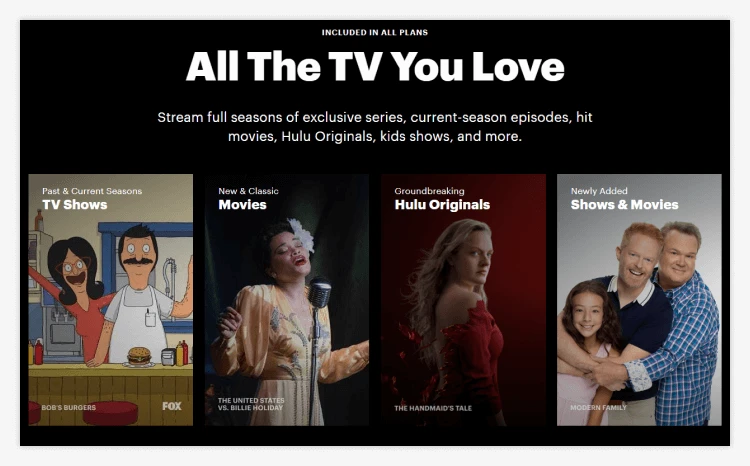
    Hulu is a streaming service available in the United States and parts of Japan. With plans starting at $6.99 per month, it’s an excellent option for those who want to keep affordability in mind. It offers a lot of quality original programming and frequent updates of new network TV shows.

    Without multiple shows or apps, Hulu offers many bundles and add-ons to stream from other platforms and channels like BET, Bravo, TBS, MTV, ESPN, Fox News and CNN. You can also add unlimited screens for $9.99 monthly, which is helpful if you live in a large home. Plus, bundling can save you money.

    Hulu’s biggest drawback seems to be the frequency of ads, but that can be remedied by opting for an ad-free plan. Support is pretty good, too, with live chat and 24/7 phone service. Finally, the Hulu apps for iOS and Android let you stream content from anywhere, even when you’re not at home.

    Pros

    • Affordable price for basic plan
    • Original quality programming.
    • Various packages and plugins are available
      Cons
    • Frequent ads (ad-free app available)
    • Limited download availability

    Best for dedicated TV, sports and movie fans
    Base price from $69.99 to $149.99 per month (plus tax)
    Mobile App Yes
    DirecTV offers a comprehensive, high-tech package for viewers who spend much time watching TV, sports, and movies. You can watch over 140 live channels and over 65,000 on-demand shows with four plans available. With plans ranging from $69.99 to $149.99/month, the service may not be suitable for those on a tight budget. However, others may appreciate features like the ability to watch unlimited streams at home, a DirecTV voice remote, and the ability to record on the go. However, before you sign up for a plan, remember that the company has many negative reviews on Trustpilot.

    As with any streaming solution, it’s worth carefully researching your plan options before deciding.

    Pros

    • Up to 65,000 on-demand titles and over 140 live TV channels
    • A free trial is available
    • Unlimited streams available
      Cons
    • Relatively high monthly fees
    • Bad reviews on Trustpilot

    Best for live sports fans
    Base price $10.99/month
    Mobile App Yes
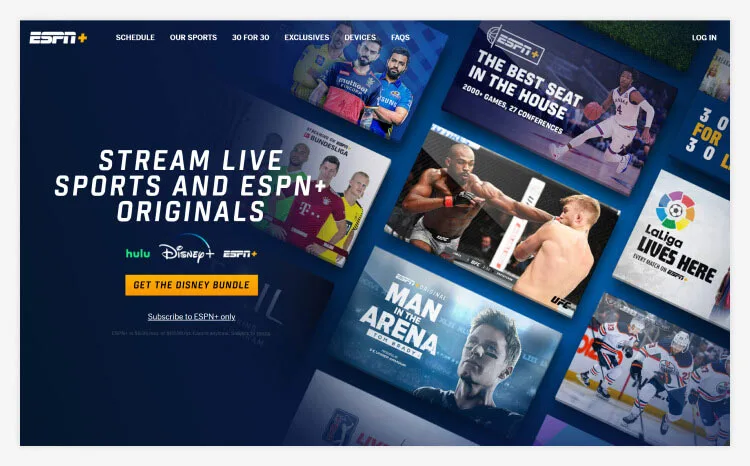
    If you’re a sports fan, there’s much to love about ESPN+. You can watch thousands of live sports events, watch original sports TV content and talk shows, and read premium sports journalism. Because it’s a separate service from the traditional ESPN networks, you don’t need an expensive TV plan to access this content. And with simultaneous streaming on three devices, your whole family can enjoy the subscription.

    EPSN+ may be particularly interesting to UFC fans, who can watch exclusive pay-per-view events through the service. You can even watch via the ESPN app. While there’s no free trial, the lack of a contract means you can try out ESPN+ without committing to an expensive package. While there are some negative customer reviews, if you’re a big sports fan, ESPN+ is worth checking out.

    Pros

    • Exclusive live events
    • Original content such as sports documentaries.
    • Stream on three devices simultaneously
      Cons
    • There is no free trial
    • Standard ESPN networks are not included.

    Best for affordable live and on-demand viewing
    Introductory price $25/month
    Mobile App Yes
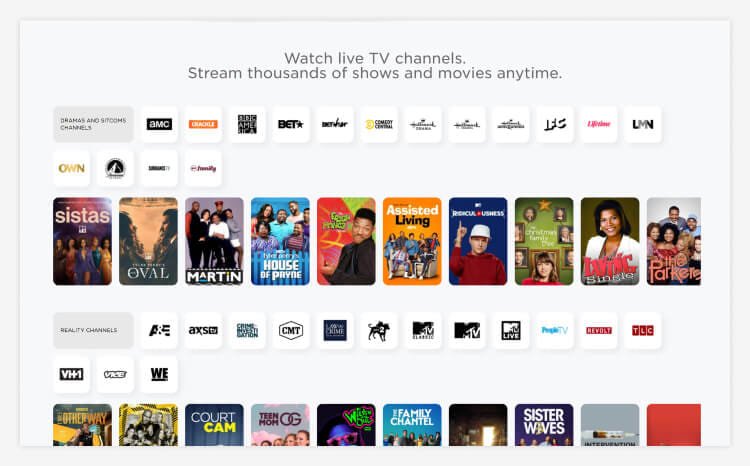
    At just $25 per month, Philo is an excellent option for viewers looking for a low-cost deal on their streaming services. Although the company has only one plan, its package offers access to popular entertainment channels, such as AMC, Nickelodeon, MTV and Lifetime.

    In another attractive feature, Philo provides 24/7 access to customer support via phone and online chat, which can be highly beneficial for those who enjoy streaming at odd hours.

    Pros

    • 24/7 customer service
    • 7-day free trial
    • Unlimited DVR recordings
      Cons
    • Only one plan is available
    • A limited selection of news and sports programs.

    Best for Disney and Pixar movies.
    Base price from $7.99 per month
    Mobile App Yes
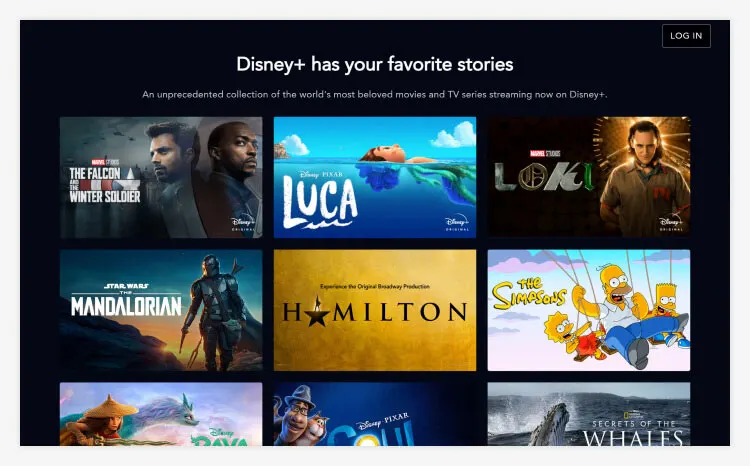
    Disney+ is new to the streaming market but has already become one of the most popular platforms. The base subscription price of $7.99 a month offers one of the best values we’ve seen, and there are plenty of titles from the Disney, Pixar, Marvel, Star Wars, and National Geographic libraries.

    In addition, Disney+ has excellent mobile apps, and we found their customer support to be responsive, although some customers reported less-than-positive experiences. As you can imagine, their library is heavily weighted towards family-friendly content, which is something to keep in mind. But if you’re looking for a streaming service that lets you watch your favourite Disney movies, Disney+ is the place to be.

    Pros

    • Access to tons of Disney content
    • Offline downloads on up to 10 devices
    • Fairly affordable
    Cons
    • Limited original content
    • Premier Access is very expensive

    Best for sports lovers
    Base price $64.99/month
    Mobile App Yes
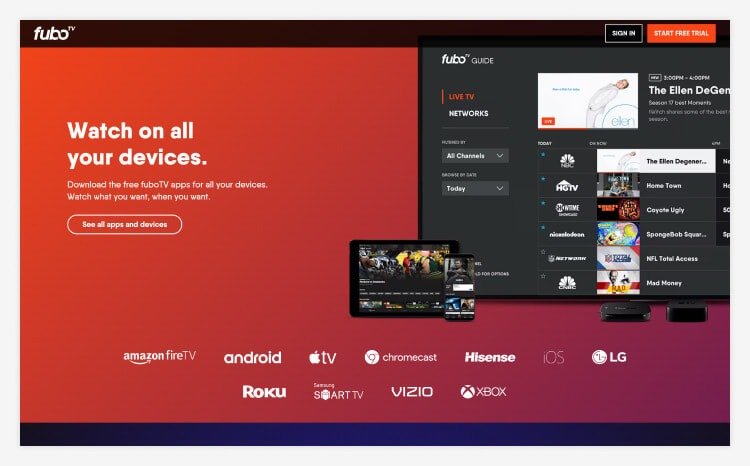
    FuboTV is a TV subscription service that provides a wide variety of content without a cable subscription. It’s perfect for sports fans, with various premium and international sports channels, so you never miss a game. It even offers a quarterly plan focused on content from the Latino community. Streaming to 3 to 10 devices, depending on your plan, helps avoid remote control disputes. You can record to cloud storage for later viewing if needed.

    If FuboTV’s existing plans don’t meet your needs, you can easily add additional channels with a wide variety of paid add-ons. So, while FuboTV has a fairly high monthly fee (though it’s still generally cheaper than cable), you’re sure to find content your whole family will enjoy.

    • Pros
    • Many optional extras
    • 24/7 email support
    • Channels specialized in sports.
      Cons
    • High prices
    • Not all events are available in 4K/HDR
      Best for an affordable television service that prioritizes the voices of women and minorities.
      Introductory price $8.99/month
      Mobile App Yes
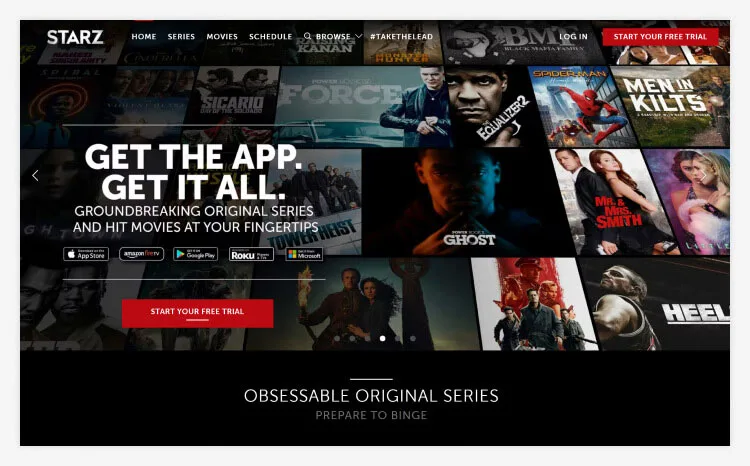
      STARZ is a premium subscription service owned by Lionsgate. It is an excellent alternative for those who have already watched most of the exciting content offered by streaming giants like HBO or Netflix. For $8.99 a month, you get 20 channels and over 1,400 movies, plus you can stream to up to 5 devices at once.

    STARZ is worth it if you wait for new content to be released. You can always try the free trial if you’re not interested in joining STARZ from scratch. Within seven days, you should have all the information you need to decide if a STARZ subscription is for you.

    Pros

    • Monthly and annual subscriptions are available
    • Great streaming options for kids
    • Plans to produce more original content shortly.
      Cons
    • Lacks a robust interface
    • A small TV library

    Best for accessing Paramount+ compatible channels
    Base price $4.99 per month
    Mobile App Yes
    At first glance, Paramount+ seems attractive, with competitive pricing, a large selection of unique titles, and beautiful mobile and desktop apps. It’s relatively inexpensive, starting at just $4.99 monthly for an ad-supported subscription. Customer service seems average at best. But if you’re looking for the titles that Paramount+ has to offer, a 7-day free trial will let you try it out without committing to a subscription.

    The user interface is intuitive and easy to navigate, and the mobile apps are neat and functional. If you can look past the downside, you’ll find a unique selection of media on Paramount+ that might pique your interest.

    Pros

    • Large multimedia library
    • Full 7-day free trial
    • Easy-to-use mobile and desktop apps
      Cons
    • Performance issues are common
    • Customer service is average
    • Ideal for families with preschoolers
      Base price $7.99/month
      Mobile App Yes

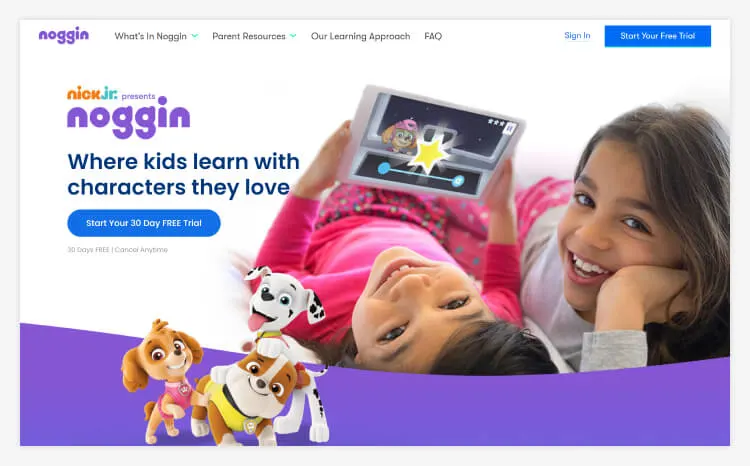
    Noggin brings together a rich content library, including over 1,000 episodes of Nick JR. TV shows featuring beloved characters such as Dora the Explorer, PAW Patrol and Peppa Pig. You can also access videos, educational games, and e-books created by education experts, which you can read together.

    The Noggin can be a great option if you have children between 2 and 6. With so much to explore together, it’s more than just a TV streaming service. While it may not be suitable for older children, with an ongoing monthly subscription, you’re not tied to a long contract and can move on when your family is ready. A noggin can support your children’s development and can also be a great way to entertain them.

    Pros

    • It was created to support children’s learning.
    • Combine TV, books, games and activities.
    • One account works on multiple devices.
      Cons
    • Users are experiencing technical issues with the app
    • It applies only to the preschool age group.

    What is TV Streaming?

    Streaming is a process that allows you to watch TV through Internet-connected devices such as smart TVs, laptops, smartphones, and game consoles. It can project pre-recorded or on-demand content, such as movies and TV shows, and live events, including sports games and award shows.

    Before you can stream TV, you usually have to subscribe to a subscription service that provides access to its content for a monthly fee.

    While dozens of streaming services are available, providers like Netflix, Amazon Prime Video, Hulu, Disney Plus, and Sling TV are some of the biggest. Since the rise in popularity of streaming in the mid-2010s, many of the best TV shows and documentaries are now exclusively on these services. After the streaming service premieres, some shows will also be released through other media, such as DVD.

    Unlike scheduled programming, on-demand streaming doesn’t require you to watch at a specific time of day, making it a more convenient option for many viewers. And unlike network or cable television, much of the live and on-demand content available through streaming services is ad-free.

    In addition to TV shows and movies, you can use streaming to watch or listen to music videos, podcasts, and webcasts.

    How Does TV Streaming Work?

    You are streaming works by transmitting video and audio data over a computer network or Internet connection, which your device will display in real time.

    As with any file sent over the Internet, audio and video files transmitted for television streaming are divided into data packets, each containing a portion of the file. When your device receives the information from these files, it will represent this data as images and sounds that appear on your screen.

    Because the stream runs continuously, you may start watching some content while the rest is in gis still streaming. The rest of the file will be sent while you’re watching, which means there shouldn’t be any interruptions.

    Although many people confuse streaming and TV streaming, there are some critical differences between the two. Unlike streaming, downloading requires you to get a full file before you can play it, which often makes streaming faster and more efficient. And unlike downloaded files, your stream content won’t be stored on your device.

    What Do I Need to Use TV Streaming?

    To get started with streaming TV, you generally need a stable Internet connection, access to a streaming service, and an online device.

    If you plan to watch on TV, you’ll need a smart TV or streaming device. Almost all TVs sold today are smart TVs, meaning they can connect to the Internet and have streaming service apps already installed.

    A streaming device connects to your home theater or TV and allows you to watch content through a streaming service. Popular streaming devices include Amazon Fire TV Sticks and Roku Streaming Sticks.

    You should also check your data allowance before watching TV online, as streaming can consume a good chunk of your usage allowance. According to Netflix, one hour of standard-definition video streaming uses about 1GB of data, HD streaming can use up to 3GB, and Ultra HD can use up to 7GB.

    How to Choose The Right TV Streaming Service for Your Needs?

    With so many excellent streaming services, finding the right one will ultimately be a personal decision. However, there are some key factors you may want to consider.

    When choosing a subscription service, your top priority should be finding a provider that offers the shows or TV genres that interest you. If you prefer to stream live TV content, you should also look for a provider that offers your preferred networks and channels. The chart above provides more information about which services are best for each type of display.

    Although several free streaming services exist, they tend to offer very limited content, which may not be suitable for more dedicated viewers. For many, ease of use is another important consideration when choosing a streaming service.

    If you’re not tech-savvy, you don’t want to waste time searching the service’s directory for the show or stream you want. While more established services have plenty of experience creating user-friendly viewing experiences, some of the interfaces on newer streaming services may be easier to navigate.

    If you like watching TV on the go, you may opt for a streaming service with a reliable mobile app that allows you to stream content to your phone, no matter where you are.

    It would be best to consider whether you need a provider that offers simulcasting. As the name suggests, this feature allows you and other family members to view multiple pieces of content simultaneously with a single account.

    If you and your family have different tastes in television, the freedom to watch multiple broadcasts can be important for family harmony. Although each service is different, some providers allow you to watch up to four streams at a time.

    Is TV Streaming Cheaper Than Cable?

    Streaming TV is typically cheaper than cable, although this varies depending on where you live and the content you watch.

    If you choose to stream without live TV, it will undoubtedly be cheaper than cable, even if you subscribe to multiple streaming services. Live TV tends to be more affordable than cable, even when you include the cost of your Internet service.

    The only time cable might be cheaper is if you want to stream many sports from regional sports networks.

    Which Streaming Service Is Best for Live Sports?

    ESPN+ is a popular option. It provides access to thousands of live sporting events and is a standalone service that can be added to your existing TV package.

    ESPN+ covers a wide range of live events, both nationally and internationally. It offers an on-demand replay option for matches you miss and is especially great for UFC fans as they can get exclusive access to pay-per-view events.

    FuboTV is another great option. You can choose the channel packages that interest you the most. Sports Plus with NFL RedZone includes 25 specialty sports channels, and International Sports Plus offers 11 sports channels focused on international events.

    Can I Watch Local Channels Without Cable?

    Many people stick with their traditional cable service because they don’t want to lose their local channels, but many streaming services now let you watch these channels as well. DirectTV, YouTube TV, FuboTV, and Hulu + Live TV are streaming services offering local TV channels.

    Other services, such as Sling TV and Vidgo, offer more extensive local broadcast networks, but availability varies by location.

    How Did We Choose These Live TV Streaming Services?

    We recorded and tested live TV programs from each live TV streaming service offered in the United States. Some of the metrics we consider most important for an excellent live-streaming service include:

    • Number of channels included
    • Local channel coverage
    • Premium channel lineup (Food Network, Fox Sports, HBO Max, Apple TV, MLB Network, etc.)
    • Value
    • Mobile applications
    • Customization of the plan
    • Reliability
    • User interface
    • User reviews
    • Additional features, such as stream recording

    More TV Streaming Services We Reviewed:

    • DAZN:
    • Noggin
    • Showtime:

      Our Related TV Streaming Services Articles:

    • 10 Reasons Why Streaming TV is the Future of TV
    • Ten tips for choosing a TV streaming service for the whole family
    • 10 Reasons to Switch to Live TV

      The Bottom Line

      With some great on-demand and live-streaming options, streaming services have never been more competitive. Now, replacing your traditional cable service with a streaming TV service is easier than ever, saving you money in the long run.

    Our picks for the top 10 streaming TV services are Sling TV, DirecTV Stream, ESPN+, Philo, Disney+, fuboTV, Hulu, Vidgo, Prime Video, and Starz.

    Choosing the exemplary TV streaming service for you largely depends on the channels you watch and how much you’re willing to pay. The ten streaming services listed above represent the best options available today.


  • Top 10 Places to Buy Glasses Online

    Top 10 Places to Buy Glasses Online

    Places to Buy Glasses Online. We explore what the various online outlets for glasses offer and how exactly their services work.

    Today, the best and cheapest way to get your glasses is through your computer. Although you’ll still need to visit an optometrist to get your glasses prescription, now you can save money and access a broader range of styles by ordering your glasses online.

    Many of today’s online eyeglass sites have virtual fitting tools that let you see how you look before you even order; others have generous return policies that allow you to spend some time with the frames, decide if you like them, and send them back free of charge if you’re unhappy with the look or fit. This takes a lot of the uncertainty out of online eyeglasses shopping and helps to ensure you’ll get a pair you’re happy with. Here are the main things to look for when you shop for eyeglasses online.

    Price

    Comparing the prices when you buy glasses online can be tricky. Some stores, like Warby Parker, include both frames and prescription lenses in their pricing, but others, such as EyeBuyDirect and Goggles4U, price frames and lenses separately.

    Finding the lowest price also depends on what you want to buy. For example, if you’re just looking for basic low-cost frames with single-vision lenses and not extras like special tinting or coatings, you could pay as little as $6.95 from Zenni Optical or Goggles4U.

    But you’ll get very simple lenses and basic frames for that price for that price. It’s perfect if you’re worried about losing or breaking your glasses or want a spare pair to take on a trip, but if you want a range of designer styles, you’ll pay higher prices. Still, we’re not discussing what you’d pay in the store. BonLook sells handmade, statement eyewear that starts at $99.

    The lowest-priced store for single-vision glasses also might not have the best deals on progressive lenses or glasses with extras like coatings and tinting. For example, bifocals from EyeBuyDirect cost less—starting at $35—than the lowest-price bifocals from Goggles4U, which start at almost $40, even though Goggles4U has a lower price for single-vision lenses.

    When comparing pricing at different online eyeglass stores, one more question is whether or not your insurance is accepted. Glasses.com stands out for accepting plans from most providers and working with many local optometrists. Although the initial price of eyeglasses might be higher, once you factor in your insurance benefits, you will get cheaper glasses than anywhere else.

    Types of Glasses

    When you shop for eyeglasses online, you want to be able to order more than just reading glasses. Progressive lenses, bifocals, and multi-focals are available from most outlets, such as GlassesUSA. Most online eyeglass stores sell sunglasses, but Zenni Optical and Coastal also sell ski and swimming goggles with prescription lenses. Glasses.com includes safety glasses among its offerings, and EyeBuyDirect allows you to buy computer glasses specially designed to reduce glare off the screen.

    When you buy online, you should also check out what special tinting and coatings you can have added to your glasses. Blue, red and brown tinting, photochromatic lenses, and ultra-violet protective coatings are available from e-retailers like 39DollarGlasses, Zenni Optical, and Felix Gray. 39DollarGlasses includes anti-scratch coatings as standard with its basic lenses, and Zenni Optical offers a fingerprint-resistant add-on.

    Those who spend lots of time staring at a computer may want to consider lenses that combat digital eye strain. Felix Gray‘s blue-light filtering glasses harness unique lens technology to reduce screen-induced headaches and eye strain. Despite their practical use, these lenses come in trendy, modern frames that don’t compromise style.

    Virtual Try-On

    The biggest concern when buying glasses online is wondering what they’ll look like if you can’t try them on. Online eyeglass stores have come up with two solutions to this problem. Most stores now offer virtual try-ons. This means you can upload a photo of yourself and then click on the page to see what you’d look like wearing the frames you’re considering. BonLook and Goggles4U both take this approach.

    The other approach is to let you order frames to try on at home for free. Warby Parker became famous for this setup. It allows you to choose up to 5 pairs of frames to wear at home for five days. You can ask your friends for their opinions and see how they feel about your face before choosing the pair you like best or sending them all back and trying different ones. There’s no charge for either shipping or returns.

    EyeBuyDirect and GlassesUSA use both solutions both solutions a little bit. Both sites offer virtual try-on, but once you receive your glasses, you have 14 and 30 days to try them on at home and send them back for free so you can be sure you like them.

    Shipping

    Shipping is one cost you don’t have to pay when you get your eyeglasses. In some cases, shipping costs almost as much as the glasses do. But then again, many online eyeglass stores solve this issue by offering free shipping. Coastal and GlassesUSA offer free shipping on all orders within the US, no matter how much your order costs.

    Shipping times are also a concern, although you’d usually need to wait a couple of days before your glasses are ready when you order in a brick-and-mortar store. You can generally pay more for expedited shipping to get your glasses as soon as the next working day. BonLook stands out for offering free shipping on orders over $80 and fast shipping times of as few as two days.

    Refunds and Returns

    When you buy eyeglasses online, you want to know that it’s easy to return them if you don’t like them when you get the real thing. EyeBuyDirect offers free shipping and returns within 14 days, while GlassesUSA provides this for 30 days. In addition to Warby Parker’s option to try on five frames for free for five days, you also get 30 days to return your prescription glasses for a full refund and can ask for a free replacement for scratched lenses within the first 12 months. EyeBuyDirect and GlassesUSA also allow customers to request a one-off replacement within the first 12 months if their glasses get damaged.

    Range of Styles

    One last advantage of buying eyeglasses online is that you can choose from a far greater range of styles than your local optometrist carries. BonLook is an excellent source of high-fashion eyeglasses for men, particularly women. All of the glasses are handmade, high quality, and made with great attention to style and trend. Glasses.com has hundreds of designer and non-designer styles for adults and children, while Coastal sells one of the most extensive ranges of men’s eyeglasses with particular attention paid to fashion.

    Buy Your Next Eyeglasses Online for Less

    Buying eyeglasses online gives you access to more styles, a more extensive range of extras like coatings and tinting, and, most of all, lower prices for your eyewear. With many online eyeglasses stores offering free shipping and returns with no strings attached, you have nothing to lose by trying it.